Languages English Čeština Dansk Deutsch Español Français Hrvatski Italiano 日本語 Norsk Nederlands Português (BR) Română Русский Slovenčina Svenska ไทย Türkçe Українська 简体中文 繁體中文
Color Guides Free on iOS

Paint Brand Matches from Photo

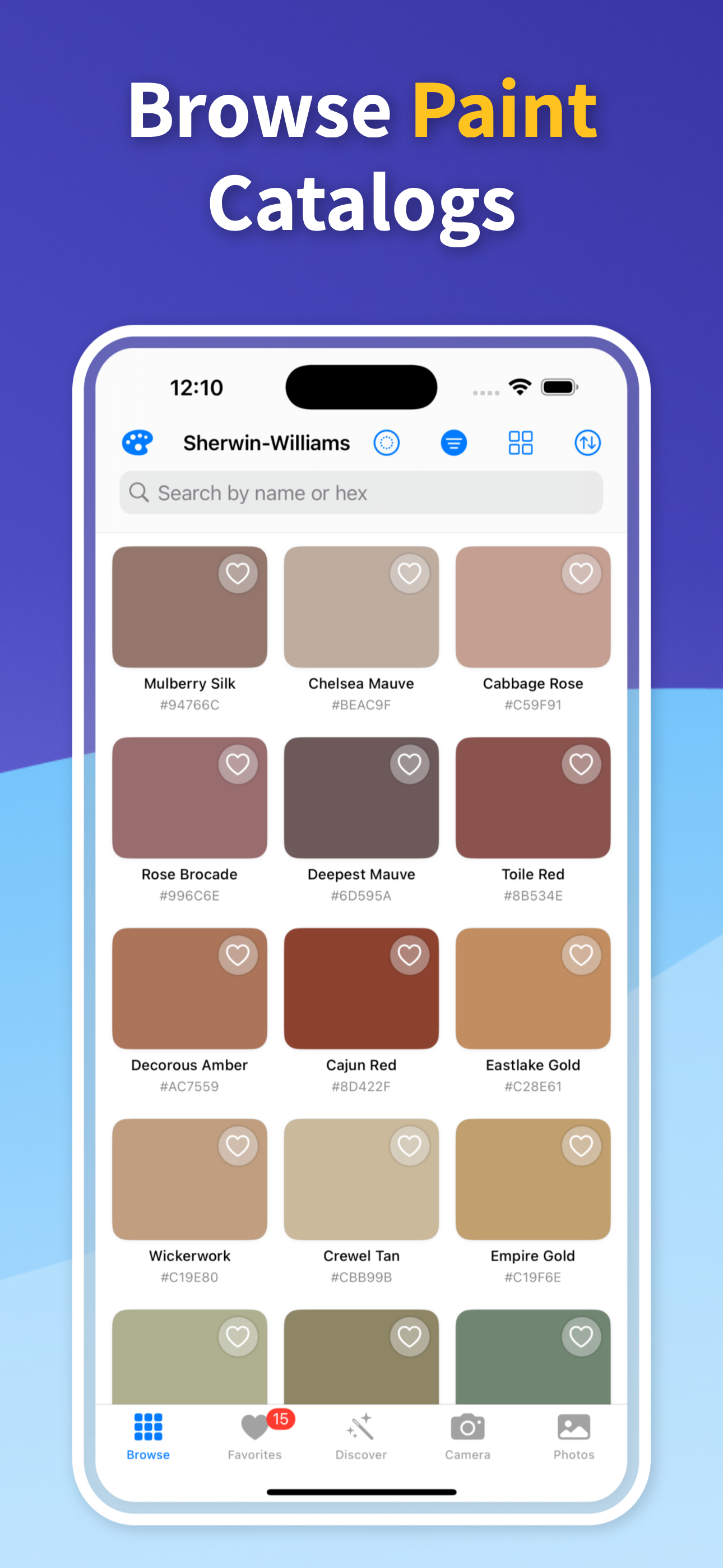
A photo can help you find nearby paint-brand candidates when you need a color you can actually buy. Color Identifier & Paint Match samples the image color, keeps the exact codes, and shows close paint-ready matches so you can compare real options instead of guessing from a generic name.

Get Free App
Color Identifier & Paint Match QR

Scan to download

Turn a painted surface into an official color name or a store-ready paint result.
Paint Brand Matches from Photo Paint Brand Matches from Photo

Color Guides

Pick the guide that matches your next color decision

Start with the real job in front of you: identify a color from a photo, pull exact codes, or match an existing wall paint before you buy.

01

Start with a clean photo sample

Use the clearest photo you have, ideally with even light and no strong color cast. Tap the area that represents the paint, fabric, trim, or object color you want to match.

If the photo has shadows or highlights, sample a few nearby spots and save the results that stay consistent.

02

Compare brand-ready candidates

The practical value is not only knowing that a color is blue, green, gray, or beige. You need nearby named paint options that can become samples, store conversations, or project specs.

The app helps bridge the gap from photo color to paint shortlist without claiming that a screen sample is the same as a physical paint formula.

03

Verify before the final purchase

Brand libraries, camera input, lighting, and paint finish all influence the final appearance. Use the app to narrow the search, then test the strongest candidate in the actual room or material context.

That protects you from overtrusting a photo while still saving time before buying samples.

Quick answers

Can I find Sherwin-Williams or Benjamin Moore style matches from a photo?

You can use a photo to find nearby paint-brand candidates and compare named options. Always verify important matches with a physical sample before a final repaint.

Is a photo match the same as an official paint formula?

No. A photo match is a practical approximation based on the sampled color. Lighting, camera settings, finish, and pigment systems can all affect the result.

What kind of photo works best?

Use a sharp, evenly lit photo without glare, heavy shadows, or colored light. Sample several points if the surface is textured or uneven.

Turn a Photo into Paint Candidates

Download Color Identifier & Paint Match free on iPhone and compare photo colors against nearby paint-brand matches before you buy.

Download on the App Store
Color Identifier & Paint Match QR

Scan to download