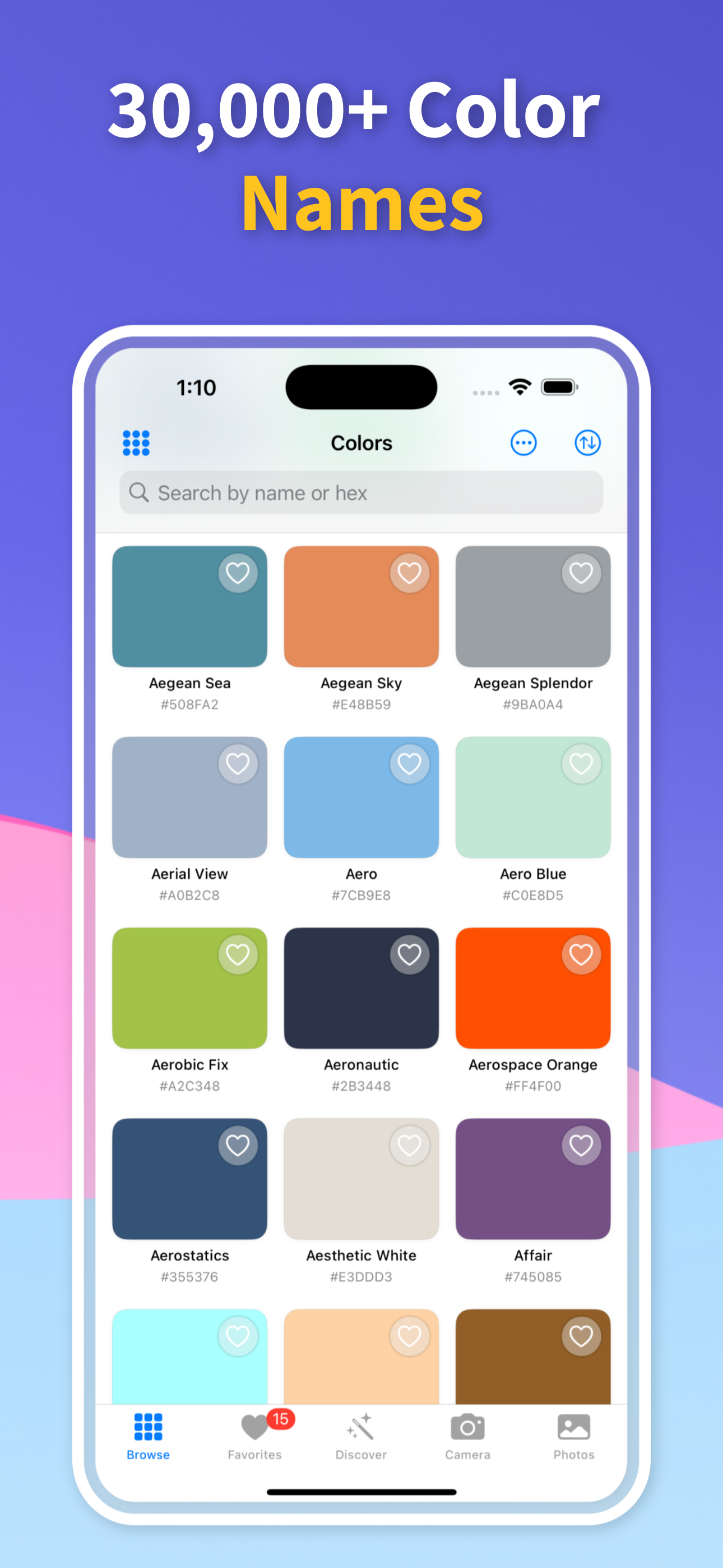
Point your iPhone or iPad at a wall, a sofa or a shirt, or open a photo or screenshot, and Color Identifier: Paint Match tells you what color it is. It compares the color with more than 30,000 named colors, or with the range of one of 131 paint brands, and shows the closest match with its HEX, RGB, HSB and CMYK values.
Three steps, whether the color is in front of you or in a picture
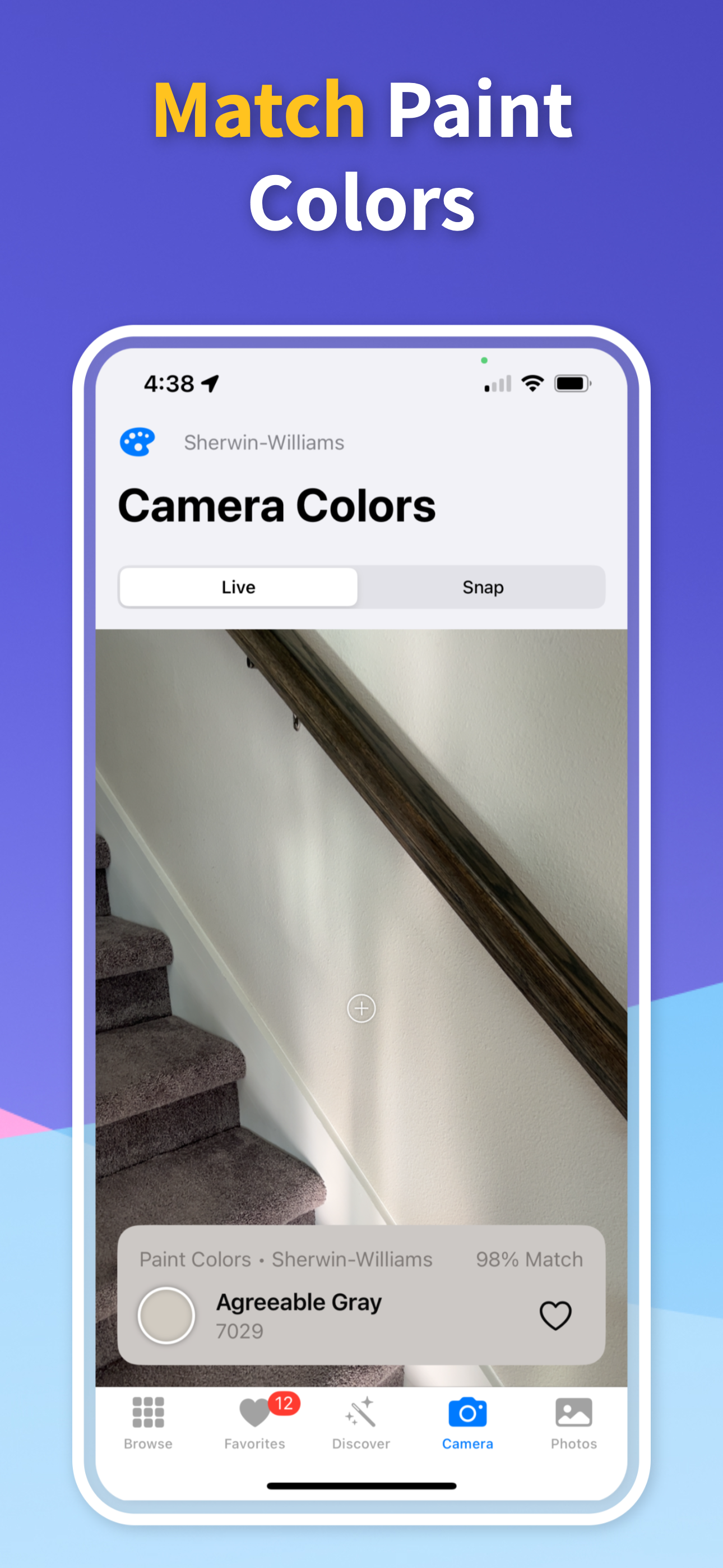
Open the Identify tab and aim the crosshair at the color, holding the phone 6 to 12 inches from a flat, evenly lit area. For a picture, open the Photos tab, choose an image and drag the eyedropper to the exact spot, or share a photo to the app from another app.
The app names the closest color and shows a match percentage. Once the reading holds steady it also lists the next two closest colors. When the match is weak it is labeled Approximate and the app offers tips for a better reading, rather than presenting a guess as certain.
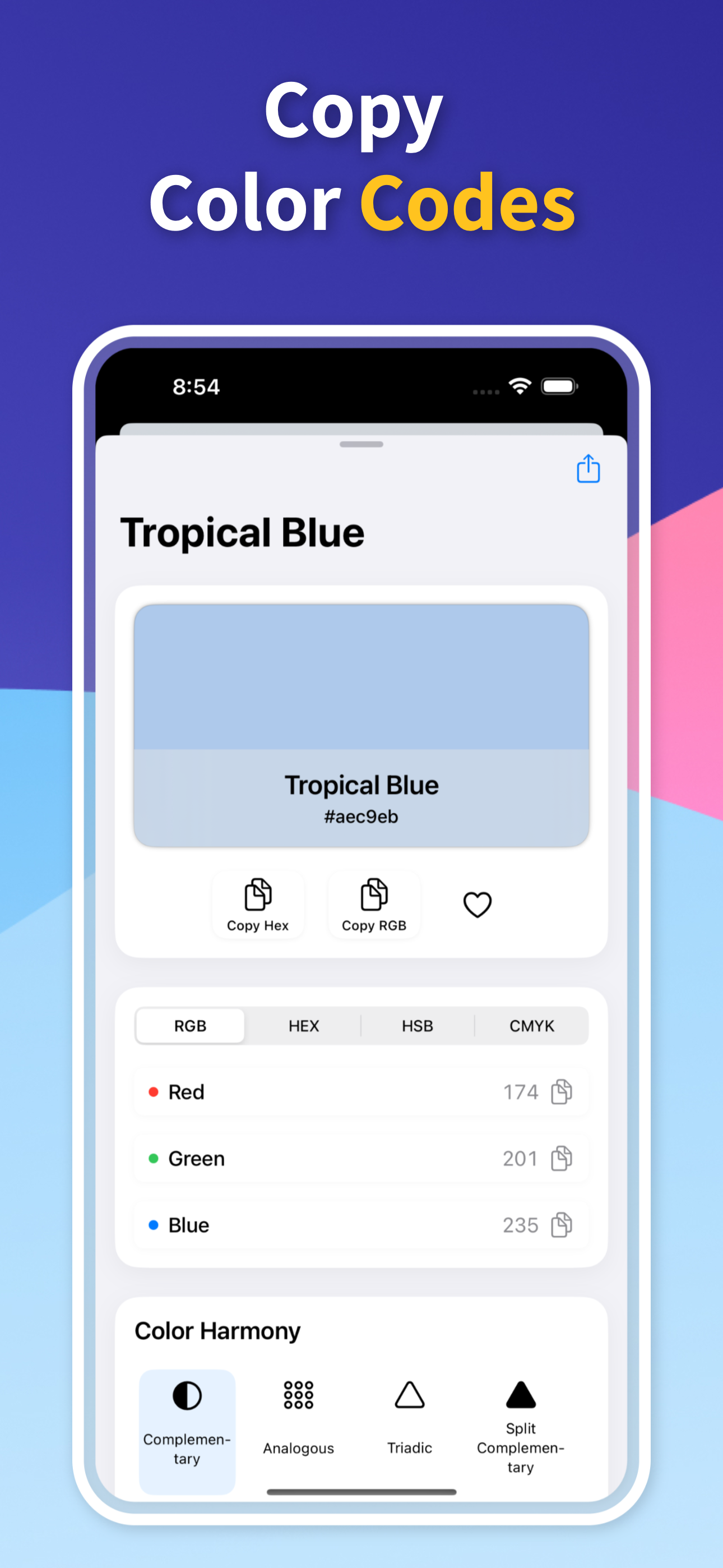
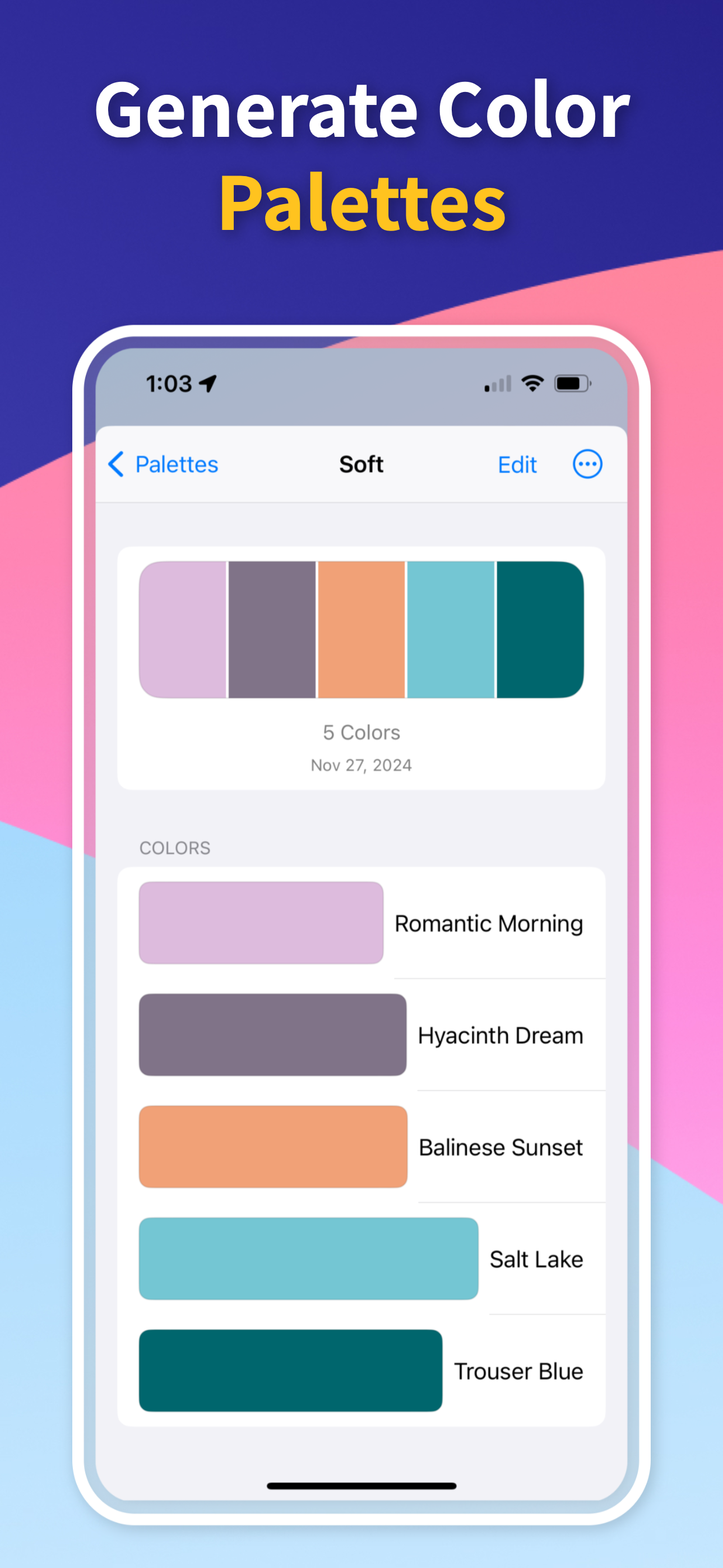
Open the result for its HEX, RGB, HSB and CMYK values and, for a paint color, the brand and paint code. Copy a value, save the color to favorites or a palette, build a complementary, analogous or triadic scheme around it, check its contrast on white, gray and black, or share it.
Every reading gives you more than a swatch
Each reading is matched against more than 30,000 named colors, so you get a name you can search for or say out loud, not just a code. Prefer paint names? Tap the source on the result card, switch to a paint brand, and the camera names that brand's closest colors along with their paint codes.
Every color opens with its HEX, RGB, HSB and CMYK values, each one tap to copy into a design tool, a website or a print order. In the photo eyedropper you also see the HEX of the exact pixel you touched.
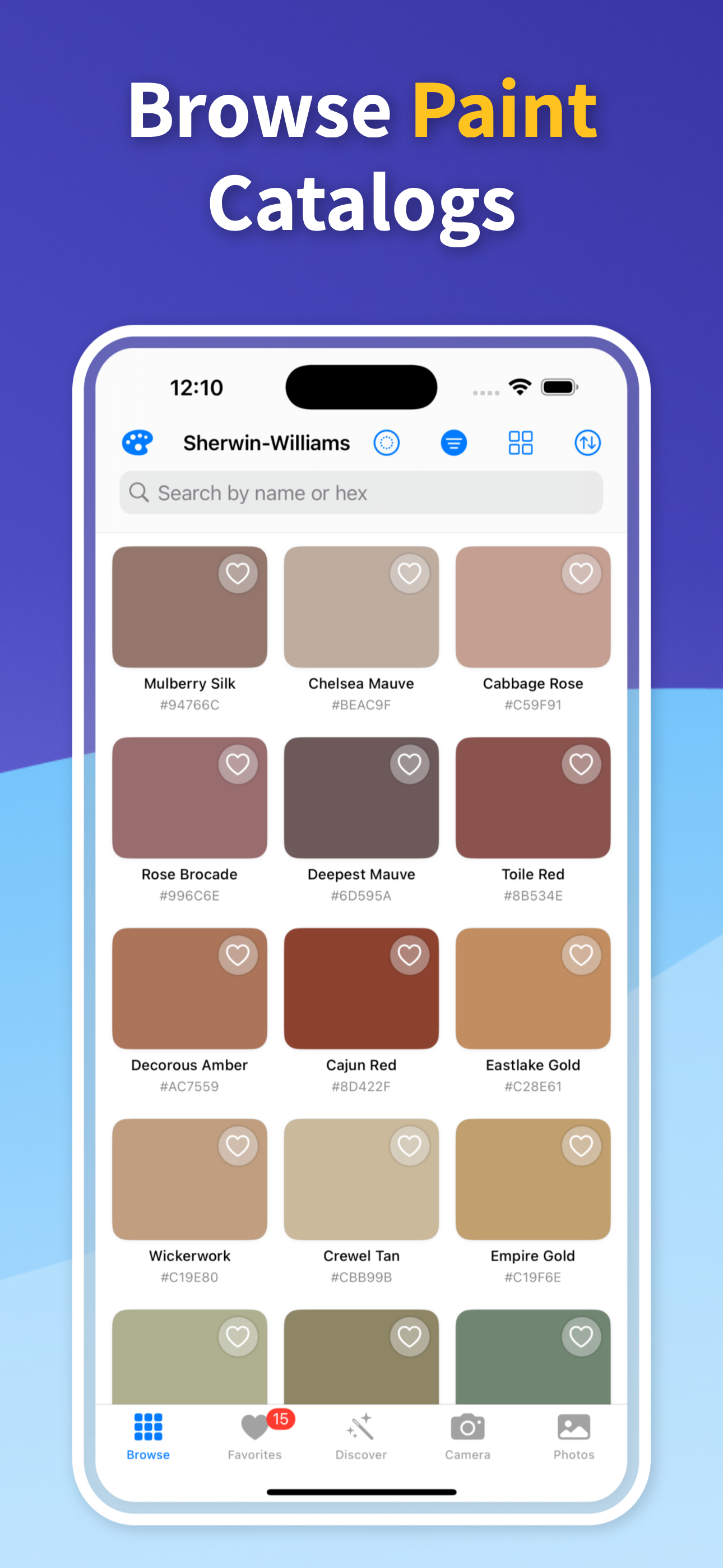
Match against Sherwin-Williams, Benjamin Moore, Behr, Valspar, PPG, Dunn-Edwards, Farrow & Ball, Dulux and more than 120 other brands and color systems, including RAL and Pantone.
Open any paint color and the app finds the closest shade in other brands, listing the brands popular in your country first. Useful when the color you want is sold by a store you don't shop at.
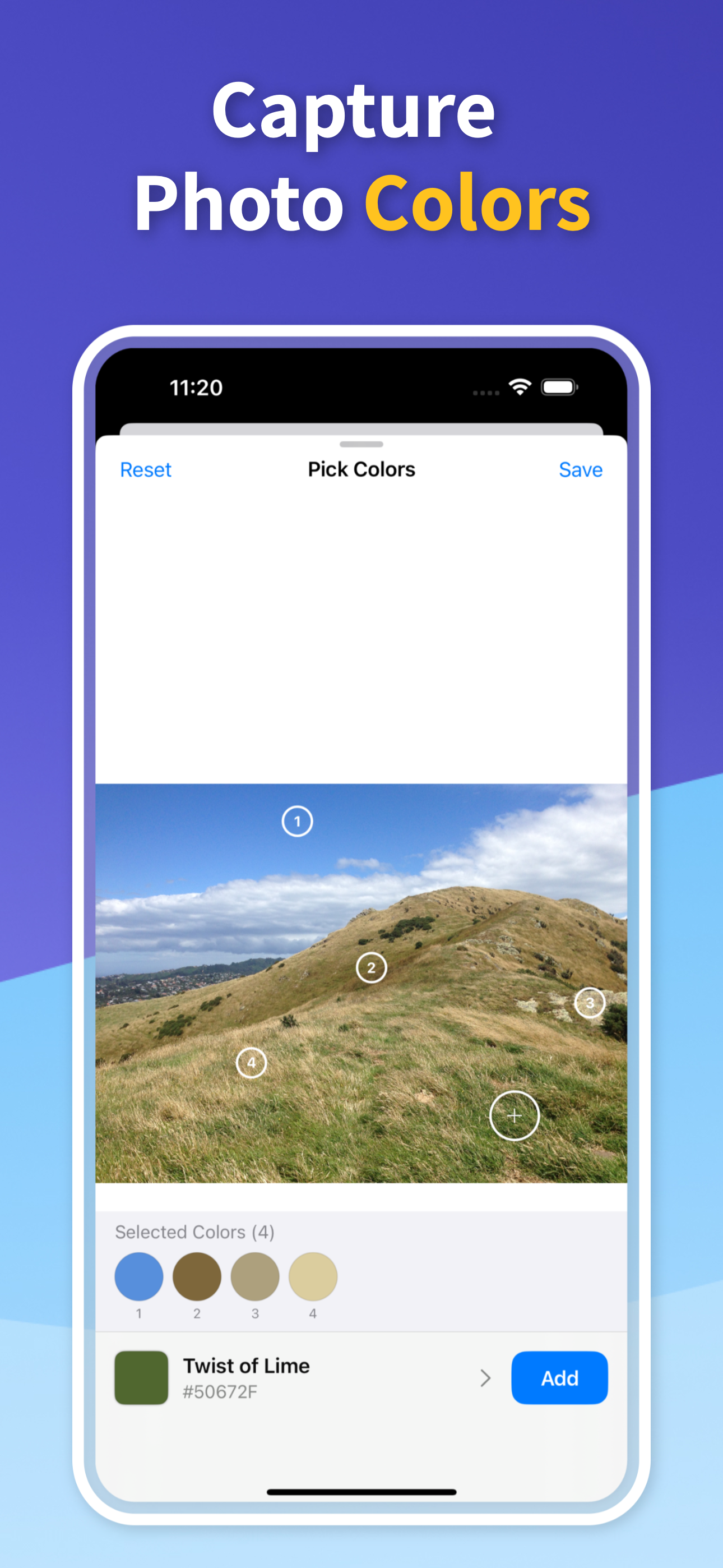
Take a picture in Snap mode or choose one from your library, and the app pulls out its main colors as a palette. Drop numbered pins with the eyedropper to sample the exact spots you care about.
How to identify a color from a photoA phone camera sees light, not paint, so the same wall can read differently at noon and at night. These habits get you closer.
Short answers about naming, matching and what is free
A color identifier tells you the name and code of a color you can see. Color Identifier: Paint Match does this on iPhone and iPad: it samples the color through the camera or from a photo, compares it with more than 30,000 named colors or with one paint brand's range, and shows the closest match with a match percentage and its HEX, RGB, HSB and CMYK values.
Open the Identify tab, choose Live and point the crosshair at the color from 6 to 12 inches away. The closest color name appears with a match percentage and updates as you move. Switch to Snap to take a still photo and get its main colors as a palette instead.
Yes. Choose an image in the Photos tab, or share one to the app from Photos or another app, and it pulls out the main colors. Drag the eyedropper to a spot to see that pixel's HEX code and the closest named color. Our guide to identifying a color from a photo walks through it step by step.
Yes. Tap the source on the result card and pick one of 131 paint brands, such as Sherwin-Williams, Benjamin Moore or Behr, and the app names that brand's closest colors with their paint codes. Open a paint color to see the closest shade in other brands. Match percentages show how close each paint is to the color you sampled, but a camera can't judge sheen or texture, so check a sample before you buy.
The app is free to download. Without paying, you can browse the named-color library, see each color's codes and try the camera and photo tools. Pro, an in-app upgrade, reveals the color names and paint codes that the camera and the eyedropper find, opens the paint brand catalogs and cross-brand matches, and saves palettes from your photos. If you are comparing apps, see what to look for in a color identification app.
iPhone and iPad running iOS 17 or later. Download it from the App Store, then allow camera access when the Identify tab asks for it; photos you pick or share work without it.
Start with the real job in front of you: identify a color from a photo, pull exact codes, or match an existing wall paint before you buy.
Browse all guidesJoin thousands of satisfied designers and color enthusiasts
"The accessibility checker is a game-changer for my web design work. I can quickly verify color combinations meet WCAG standards without leaving my creative workflow. The color harmony tool is fantastic too!"
"As a graphic designer, having 30,000+ colors at my fingertips is incredible. The ability to extract color palettes from photos and instantly get all the color codes has streamlined my branding projects immensely."
"I use this app for both my digital artwork and home renovation projects. Being able to find matching paint brands for colors I discover online is incredibly useful. The color wheel helps me create balanced compositions too."
See the app in action
Enter your mobile number and we'll send you a direct download link to try the app today
Download Color Identifier: Paint Match for iPhone or iPad and point it at the next color you want to name or match.
Get Free App
Scan to download