
Languages English Čeština Dansk Deutsch Español Suomi Français Hrvatski Magyar Italiano 日本語 한국어 Norsk Nederlands Polski Português (BR) Română Русский Slovenčina Svenska ไทย Türkçe Українська 简体中文 繁體中文
Color Guides Free on iOS

Best Color Identification App

Color identification is a common need across design, painting, photography, accessibility, and everyday curiosity. Color Identifier & Paint Match covers all of those use cases in a single app — and the core workflow is free on iPhone.

Get Free App
Color Identifier & Paint Match QR

Scan to download

See why this workflow replaces several narrow single-purpose color apps.
Best Color Identification App Best Color Identification App

Color Guides

Pick the guide that matches your next color decision

Start with the real job in front of you: identify a color from a photo, pull exact codes, or match an existing wall paint before you buy.

01

What the app identifies

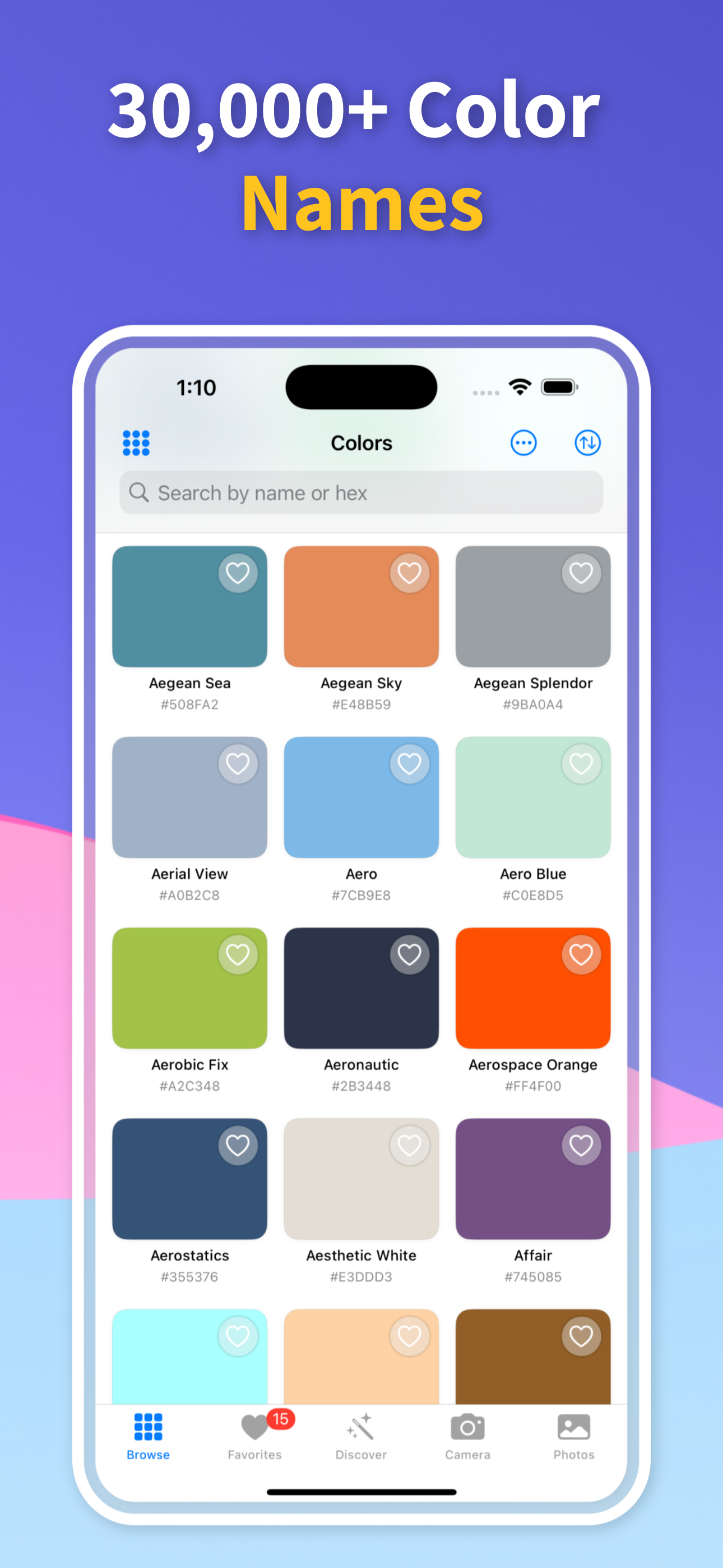
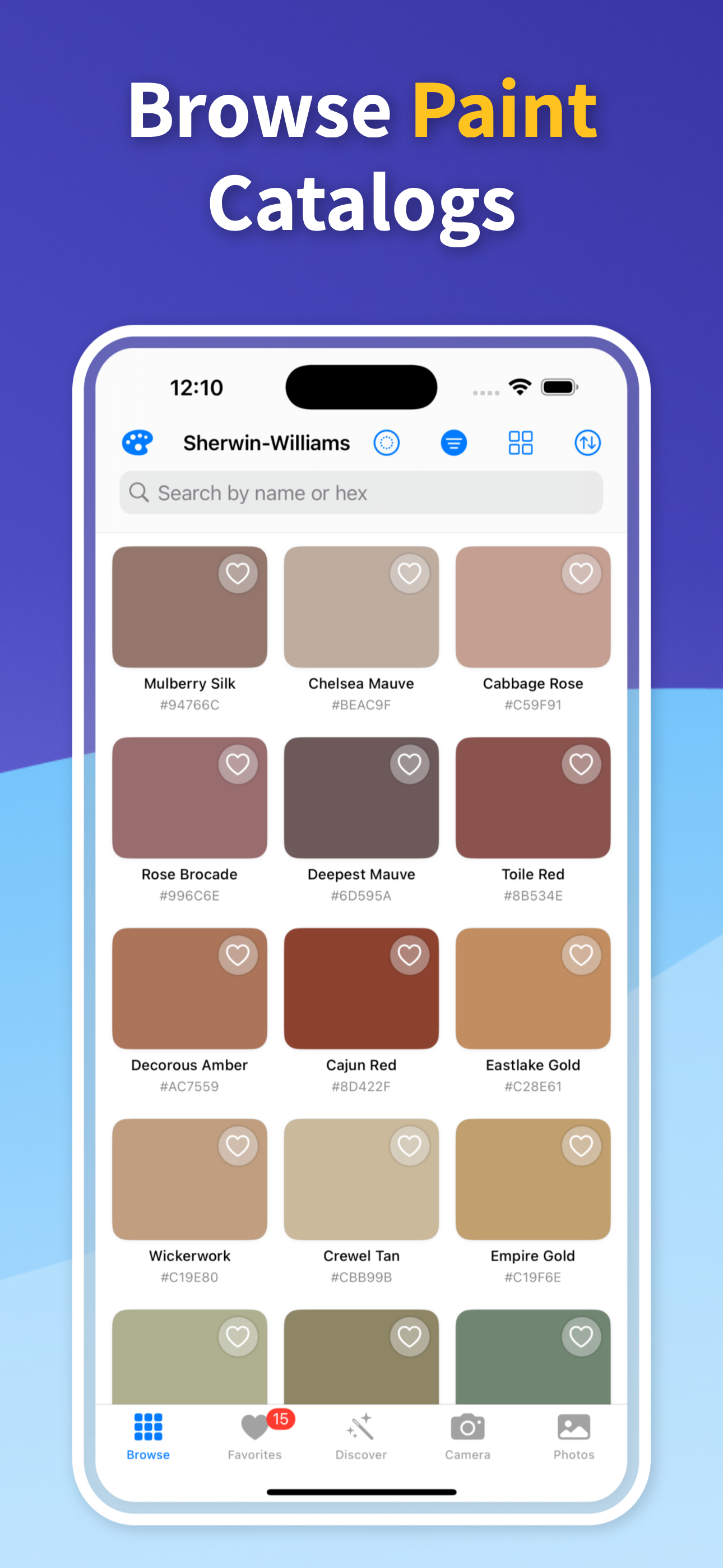
Point the camera at any color — a wall, a fabric, a product, a flower, a piece of art — and the app returns the color name, hex code, RGB, CMYK, and the nearest paint brand matches all at once.

The live camera mode updates continuously as you move the camera, making it easy to compare colors across a surface or find the exact tone you are looking for within a range of similar shades.

02

Key features that make it stand out

Most color picker apps give you a hex code. This app gives you the hex code, the color name, the paint brand matches, color harmony options, and the accessibility contrast check — all from a single tap.

The palette extraction feature automatically identifies the dominant colors in any image, which is useful when you need a full color story instead of a single sample point.

03

Who uses it

Interior designers use it to pull palettes from mood boards and find the nearest paint equivalents. Graphic designers use it to extract hex codes from real-world inspiration and check accessibility contrast ratios. Homeowners use it to identify and match wall colors before repainting.

Photographers and stylists use it to document the color language inside an image. The common thread is simple: one app answers several related color questions instead of forcing you into separate tools.

04

Free and no account required

Download and start identifying colors immediately — no account creation, no subscription, and no paywall on the core workflow. The functions that make the app useful on day one are available from the first launch.

That matters when you want to recommend an app to a client, teammate, or homeowner and know they can get straight into the work without friction.

Quick answers

Can I use Best Color Identification App on iPhone?

Yes. Color Identifier & Paint Match is built for iPhone and lets you scan live colors, import photos, save results, and compare practical color details in one workflow.

How accurate is this result?

Camera-based color results are strongest when the source is evenly lit, in focus, and free from glare or deep shadow. Treat the output as a strong shortlist, then test physical paint samples when an exact wall match matters.

What should I do after I identify the color?

Save the color, compare nearby matches, and share the result before buying paint, building a palette, documenting a spec, or handing the shade to another person.

Try the Best Color ID Workflow on iPhone

Download Color Identifier & Paint Match free on iPhone and use one app for color names, codes, palettes, accessibility checks, and paint matches.

Download on the App Store
Color Identifier & Paint Match QR

Scan to download