Languages English Čeština Dansk Deutsch Español Suomi Français Hrvatski Magyar Italiano 日本語 한국어 Norsk Nederlands Polski Português (BR) Română Русский Slovenčina Svenska ไทย Türkçe Українська 简体中文 繁體中文
Color Guides Free on iOS

Identify Color from Photo

Whether you are trying to name a color for a design project or find the nearest paint equivalent, Color Identifier & Paint Match gives you the full color profile from any photo in seconds.

Get Free App
Color Identifier & Paint Match QR

Scan to download

Identify a shade from a live camera or photo and keep the full color profile.
Identify Color from Photo Identify Color from Photo

Color Guides

Pick the guide that matches your next color decision

Start with the real job in front of you: identify a color from a photo, pull exact codes, or match an existing wall paint before you buy.

01

Tap any photo to identify its color

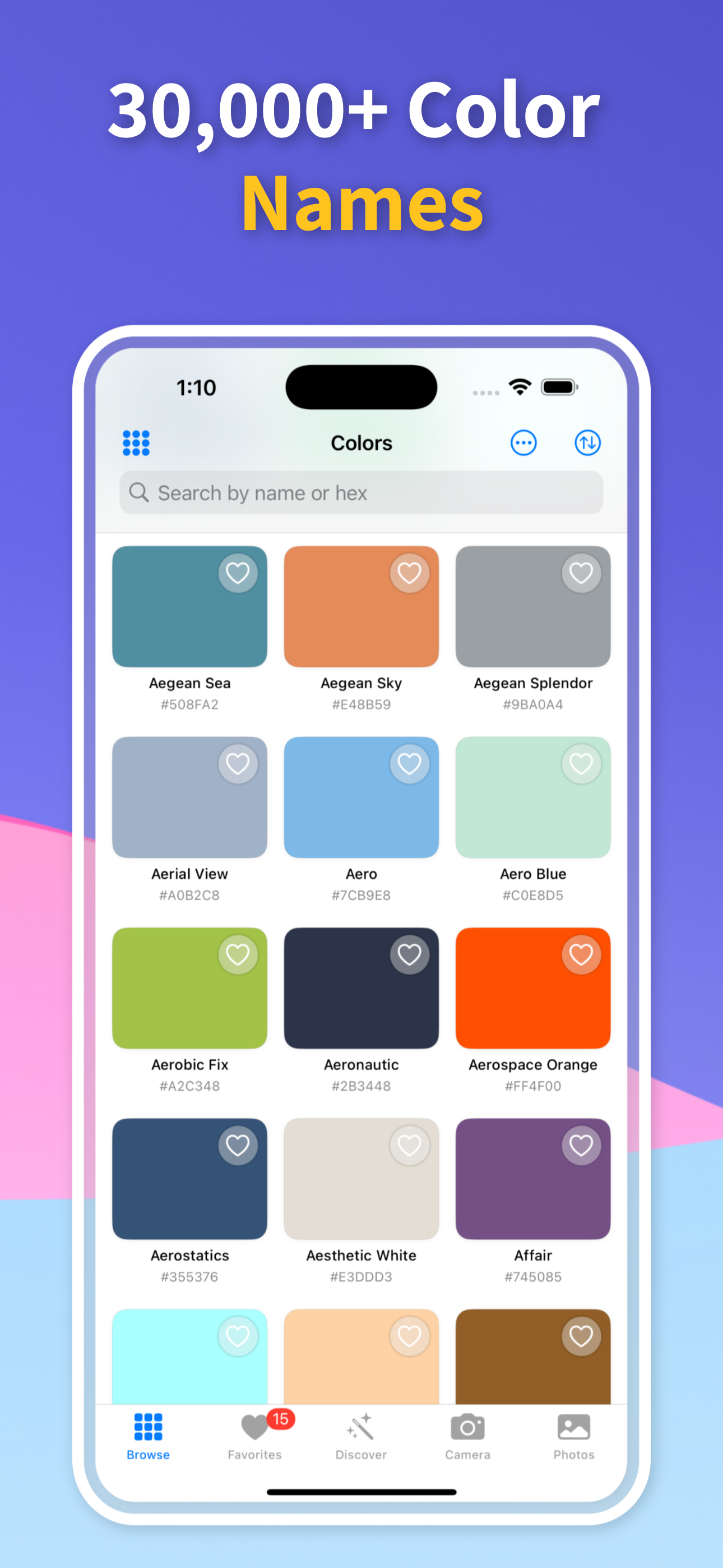
Open the app and import a photo from your camera roll or take one with your camera. Tap anywhere on the image and the app instantly samples the color at that point, returning the color name, hex code, RGB values, and CMYK values all at once. You can tap multiple points in the same photo to build a palette of all the colors present.

The color name is drawn from a database of thousands of named colors — not just generic labels like “blue” but precise names like “Dusty Cornflower” or “Warm Sage” — giving you language to communicate the color accurately to others.

02

From photo color to paint brand match

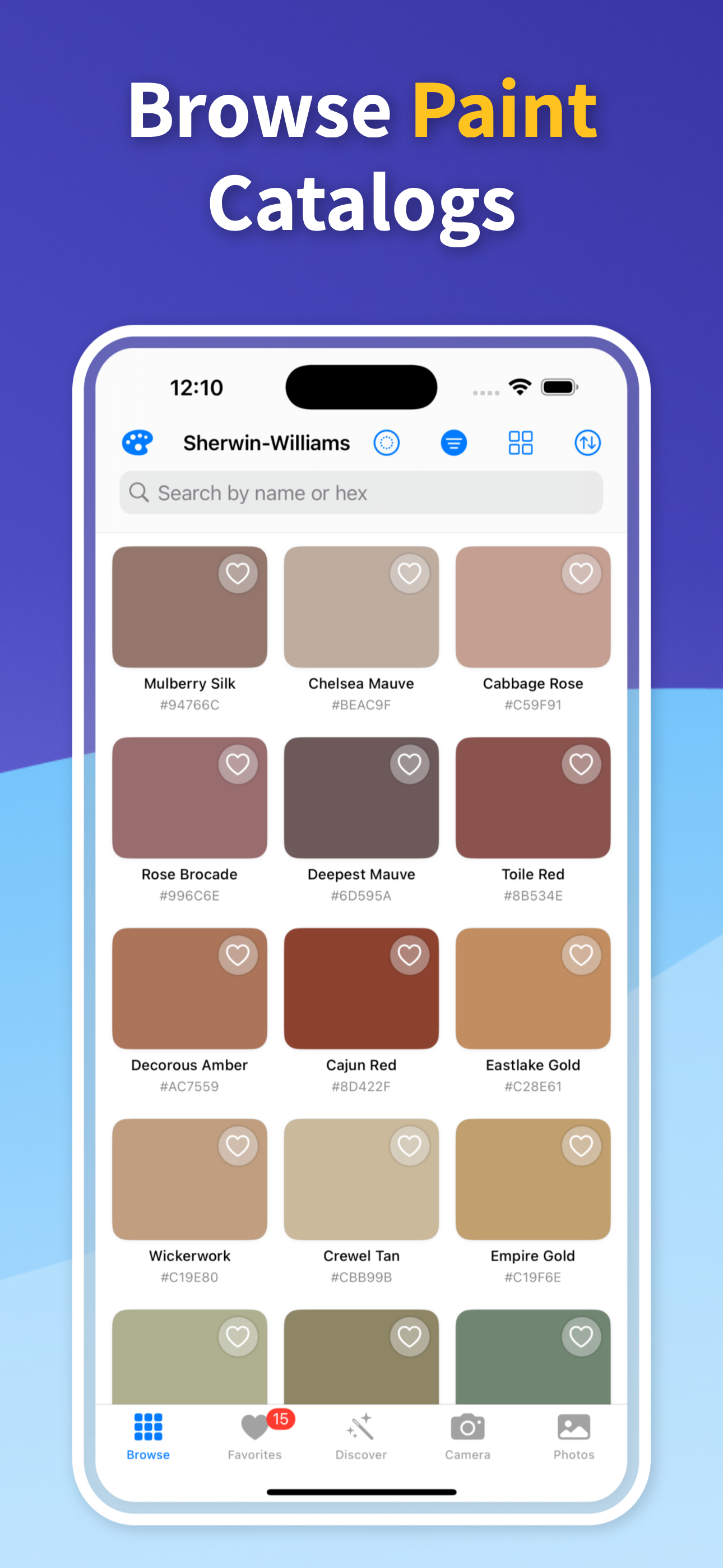
For every color you identify, the app shows the nearest matching paint colors from Sherwin-Williams, Benjamin Moore, Behr, Valspar, and other major brands. This bridges the gap between seeing a color and being able to buy it.

Results are ranked by color distance so you see the closest match first. If the top match is not quite right, you can browse the next closest options and preview each in your room.

03

Extract color palettes from any image

Instead of tapping individual points, use palette extraction to automatically identify the dominant colors across an entire image. The app clusters similar colors and presents the top 5–8 distinct colors as a palette.

Export the palette as a swatch sheet with all hex, RGB, and paint codes included — a format designers and contractors can work with directly.

04

Color accessibility checking

For designers building digital products, the app checks the contrast ratio between any two identified colors against WCAG accessibility standards. Paste your identified hex codes into the contrast checker and immediately see whether the combination meets AA or AAA standards.

This makes the app useful beyond physical paint matching — it also works as a quick accessibility audit tool for UI color combinations.

Quick answers

Can I use Identify Color from Photo on iPhone?

Yes. Color Identifier & Paint Match is built for iPhone and lets you scan live colors, import photos, save results, and compare practical color details in one workflow.

How accurate is this result?

Camera-based color results are strongest when the source is evenly lit, in focus, and free from glare or deep shadow. Treat the output as a strong shortlist, then test physical paint samples when an exact wall match matters.

What should I do after I identify the color?

Save the color, compare nearby matches, and share the result before buying paint, building a palette, documenting a spec, or handing the shade to another person.

Identify Any Color Instantly

Download Color Identifier & Paint Match free on iPhone and get the name, codes, and paint match for any color in seconds.

Download on the App Store
Color Identifier & Paint Match QR

Scan to download