
Free on iOS

Get the Hex Code for Any Color from a Real-World Photo

Designers need color codes, not just color names. Color Identifier & Paint Match gives you the exact hex, RGB, HSL, and CMYK values for any color you tap in a photo — bridging the physical world and digital design in a single tap.

Getting a hex code from any photo

Import any photo or use the live camera. Tap anywhere on the image to sample that color. The app immediately shows the hex code (e.g., #A3B8C2), RGB values (163, 184, 194), HSL (198°, 19%, 70%), and CMYK (16%, 5%, 0%, 24%) for the sampled point. Tap the hex code to copy it to your clipboard instantly.

The sampled color is an average of a small pixel cluster around your tap point, which gives more reliable results than a true single-pixel sample — surface texture and lighting variation can cause single pixels to be noisy.

Using the color picker for precision

For fine precision work, zoom in on the image before tapping to get a more accurate sample from a specific area. The app shows a magnified loupe around your tap point so you can see exactly which pixels are being sampled before committing to the color.

You can also drag your finger across the image to scrub through colors continuously — useful when you're trying to find the exact point in a gradient or texture that has the specific tone you want.

Building a design palette from real-world inspiration

Tap multiple points in the same photo to collect a set of hex codes from an inspiration image. The app groups these into a shareable palette that you can export as a swatch file compatible with Figma, Sketch, Adobe XD, and other design tools.

This workflow turns any photo — a sunset, a tile wall, a fashion editorial — into a usable design palette with real hex codes in minutes.

From hex code to paint

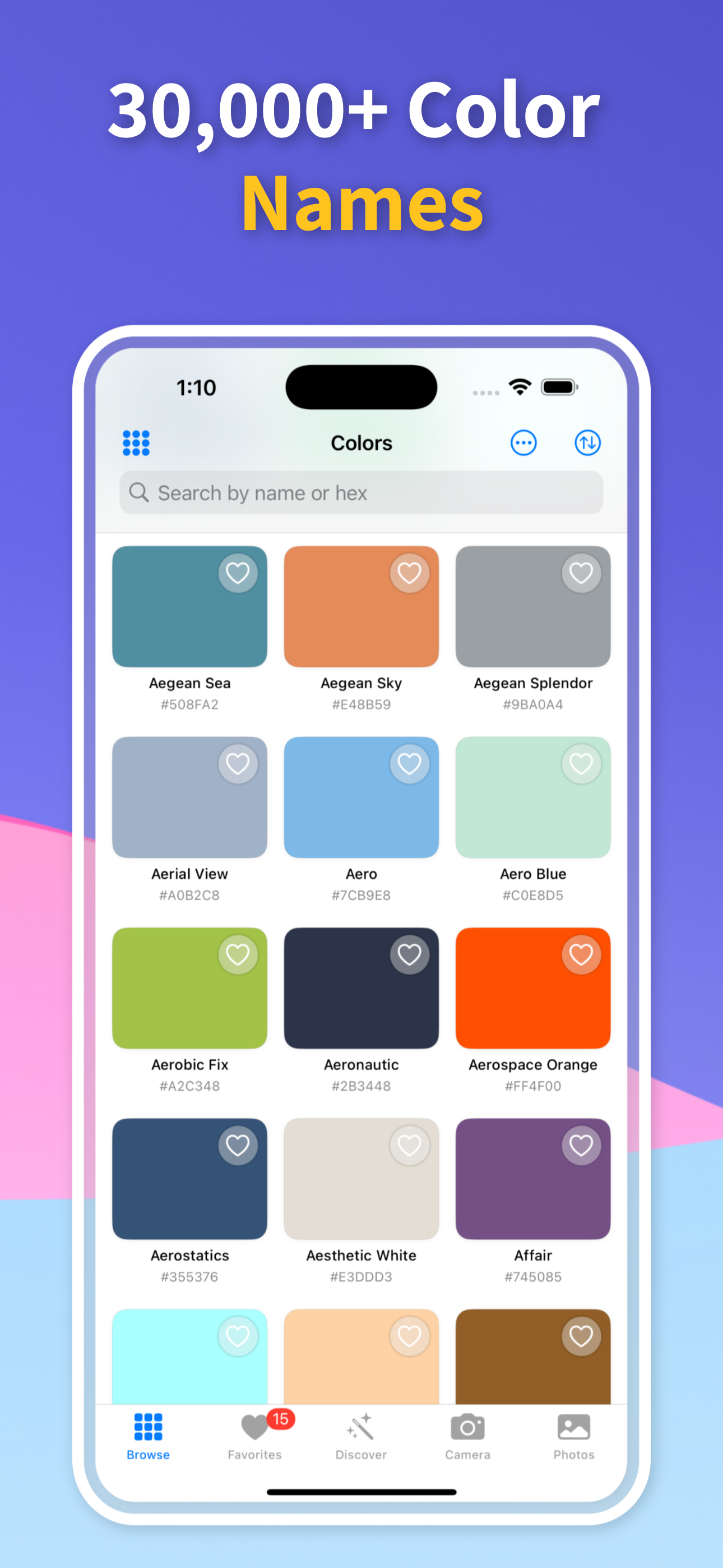
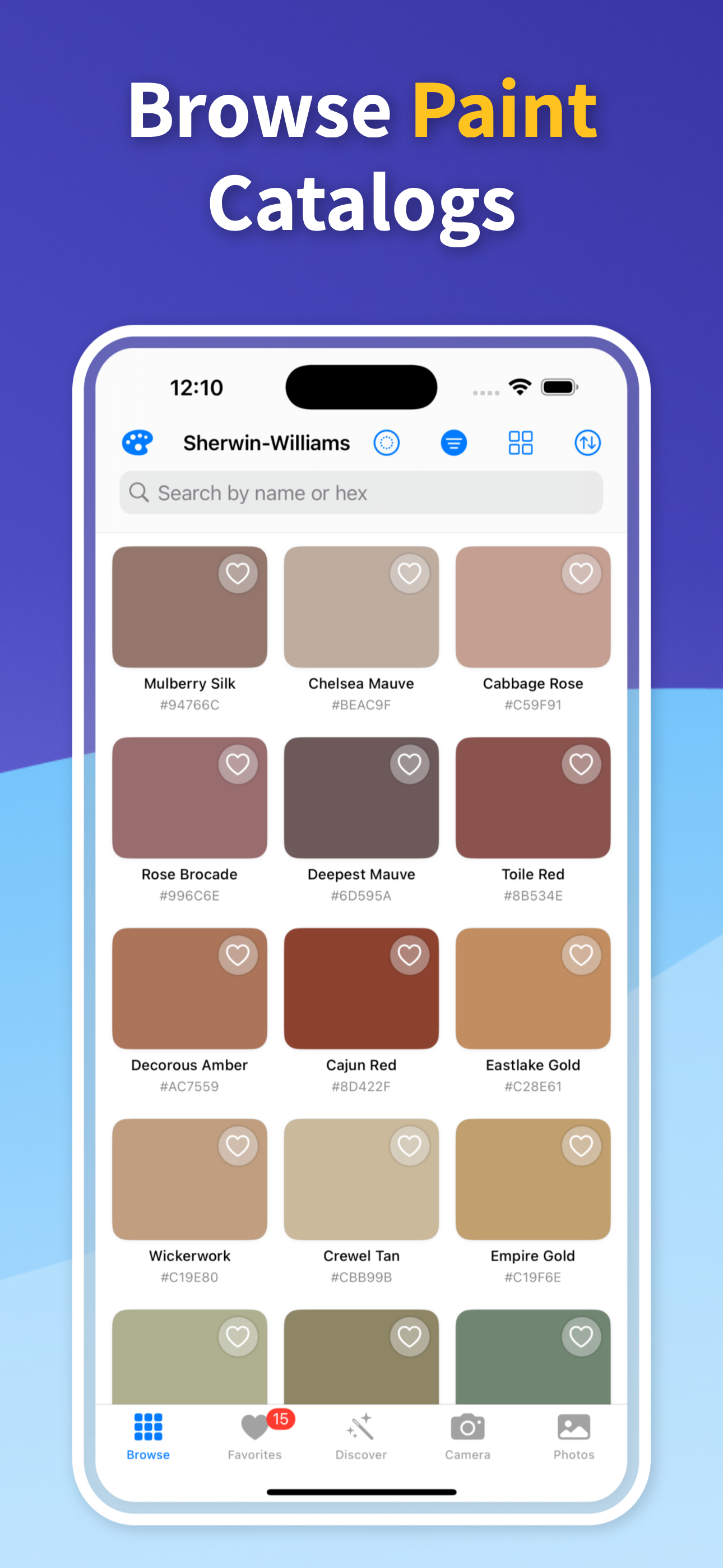
If you've identified a color in the digital world and want to find its physical paint equivalent, paste or type any hex code into the search field and the app returns the nearest paint brand matches. This bridges the gap between screen colors and wall colors — useful when you're trying to paint a room to match a brand color or logo.

Note that screen colors (sRGB) and paint colors are rendered differently — a hex code from a screen will rarely have a perfect paint match, but the app finds the closest achievable approximation in real paint pigments.

Get Any Color's Hex Code in One Tap

Download Color Identifier & Paint Match free on iOS — hex, RGB, HSL, CMYK, and paint match for any color, instantly.

Download on the App Store — Free