
Languages English Čeština Dansk Deutsch Español Français Hrvatski Italiano 日本語 Norsk Nederlands Português (BR) Română Русский Slovenčina Svenska ไทย Türkçe Українська 简体中文 繁體中文
Color Guides Free on iOS

Complementary Color from Photo

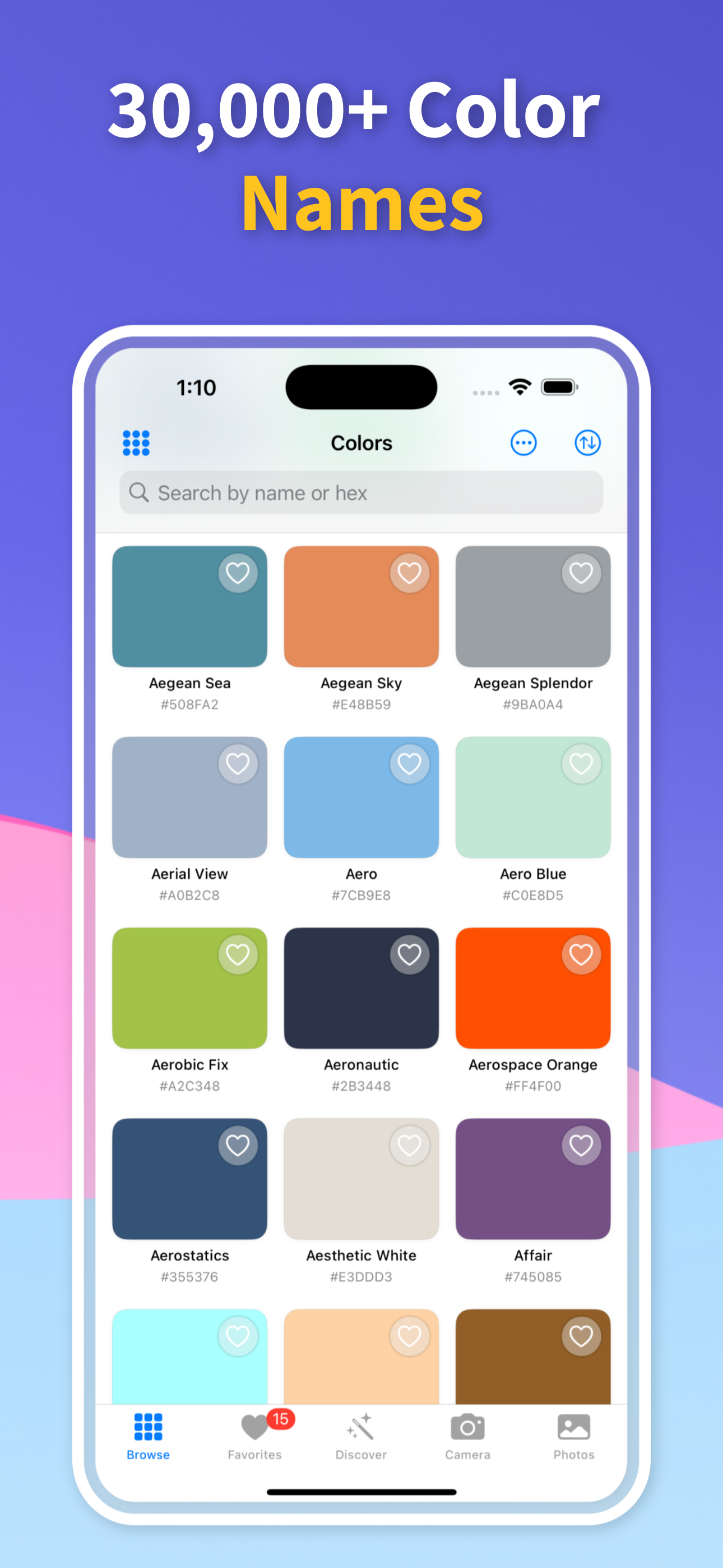
To find a complementary color from a photo, first identify the source color accurately, then build harmony options around it. Color Identifier & Paint Match keeps the sampled color, exact codes, and palette context together so the complement is tied to the color you actually saw.

Get Free App
Color Identifier & Paint Match QR

Scan to download

Pull exact HEX, RGB, HSL, and CMYK values from a real scene without losing precision.
Complementary Color from Photo Complementary Color from Photo

Color Guides

Pick the guide that matches your next color decision

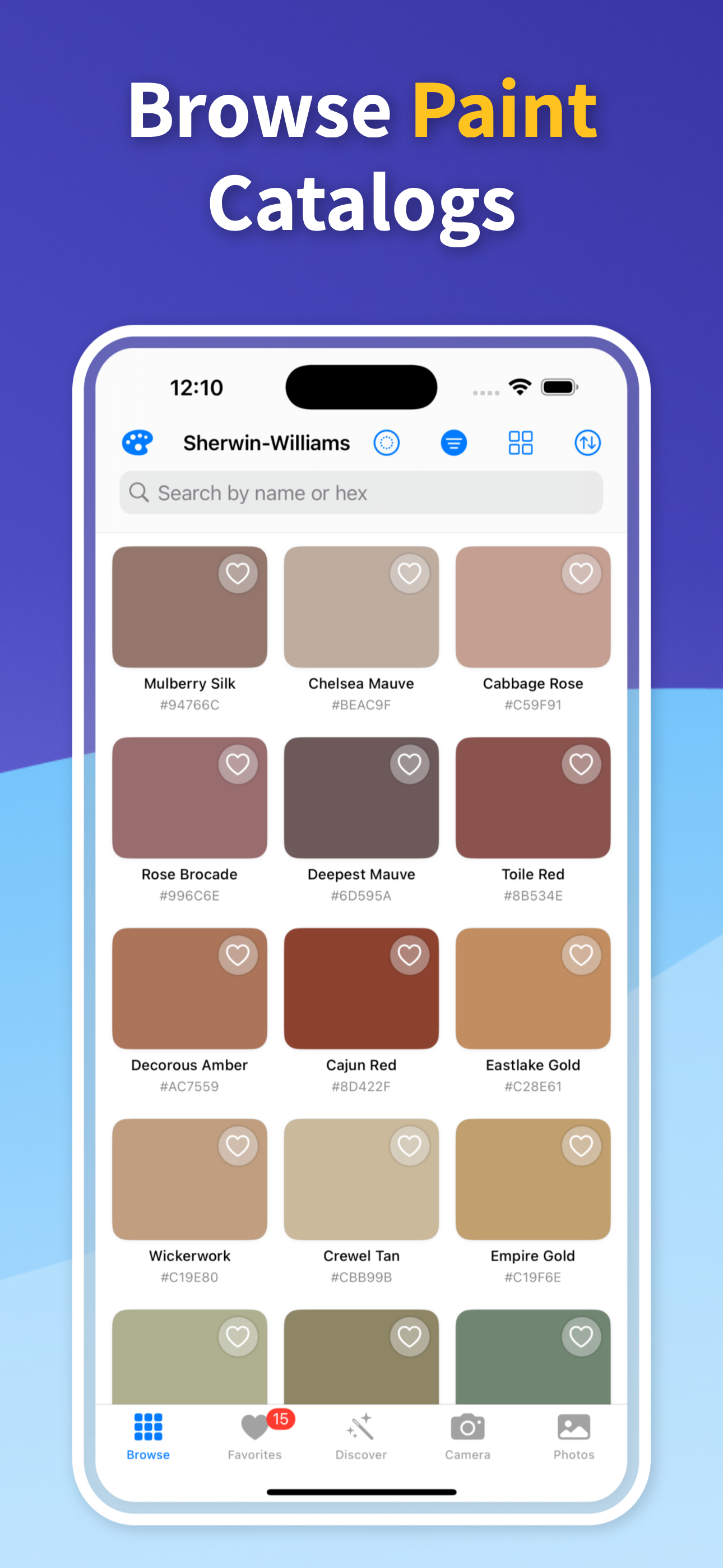
Start with the real job in front of you: identify a color from a photo, pull exact codes, or match an existing wall paint before you buy.

01

Sample the base color first

Import a photo or scan live, then tap the exact color you want to build around. A complementary palette is only as useful as the base color it starts from.

If the image has lighting variation, sample the cleanest representative area rather than a shadow or highlight.

02

Use harmony as a decision tool

Complementary colors can create contrast, energy, and clarity, but the raw opposite on a color wheel is not always the final design choice. Real projects often need softer, darker, lighter, or nearby variants.

Save several candidates so you can compare what works for the room, palette, interface, or brand context.

03

Carry the result into codes or paint

Once the harmony looks right, keep the color values with it. HEX and RGB help digital design, while nearby paint matches help when the palette needs to become physical.

That keeps the complement from becoming a vague idea that is hard to reproduce later.

Quick answers

How do I find a complementary color from a photo?

Sample the main color from the photo, then use color harmony options to compare complementary candidates around that exact source color.

Is the exact opposite color always best?

Not always. A direct complement can be too intense, so nearby lighter, darker, or muted variants may work better in real designs or interiors.

Can complementary colors become a saved palette?

Yes. Save the source color and its harmony candidates together so you can reuse the palette later.

Build Better Color Harmony from Photos

Download Color Identifier & Paint Match free on iPhone and turn sampled photo colors into saved harmony palettes.

Download on the App Store
Color Identifier & Paint Match QR

Scan to download