
Languages English Čeština Dansk Deutsch Español Français Hrvatski Italiano 日本語 Norsk Nederlands Português (BR) Română Русский Slovenčina Svenska ไทย Türkçe Українська 简体中文 繁體中文
Color Guides Free on iOS

How to Match Paint Without a Paint Chip

You can match paint without cutting a chip from the wall by scanning the existing surface with your iPhone and comparing the closest paint-brand results. Color Identifier & Paint Match helps you avoid damaging the wall while still creating a practical shortlist for touch-ups or repainting.

Get Free App
Color Identifier & Paint Match QR

Scan to download

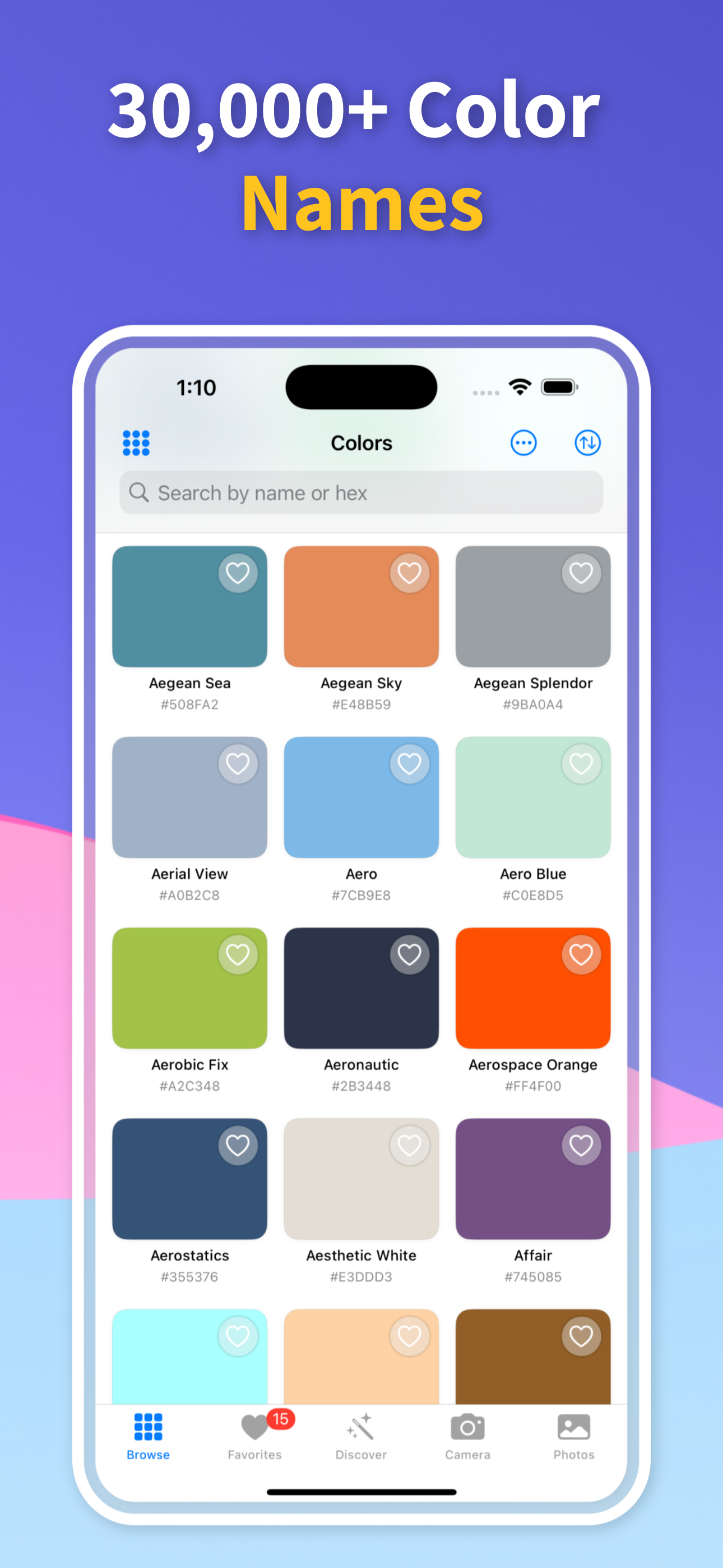
Turn a painted surface into an official color name or a store-ready paint result.
How to Match Paint Without a Paint Chip How to Match Paint Without a Paint Chip

Color Guides

Pick the guide that matches your next color decision

Start with the real job in front of you: identify a color from a photo, pull exact codes, or match an existing wall paint before you buy.

01

Scan the existing surface instead

Choose a clean, representative part of the wall, trim, cabinet, or door. Scan it in even light and avoid direct sun, reflections, dirty areas, and heavy shadows.

If the surface varies, scan several spots and save the strongest results so you can compare them before buying a sample.

02

Use the nearest brand matches as candidates

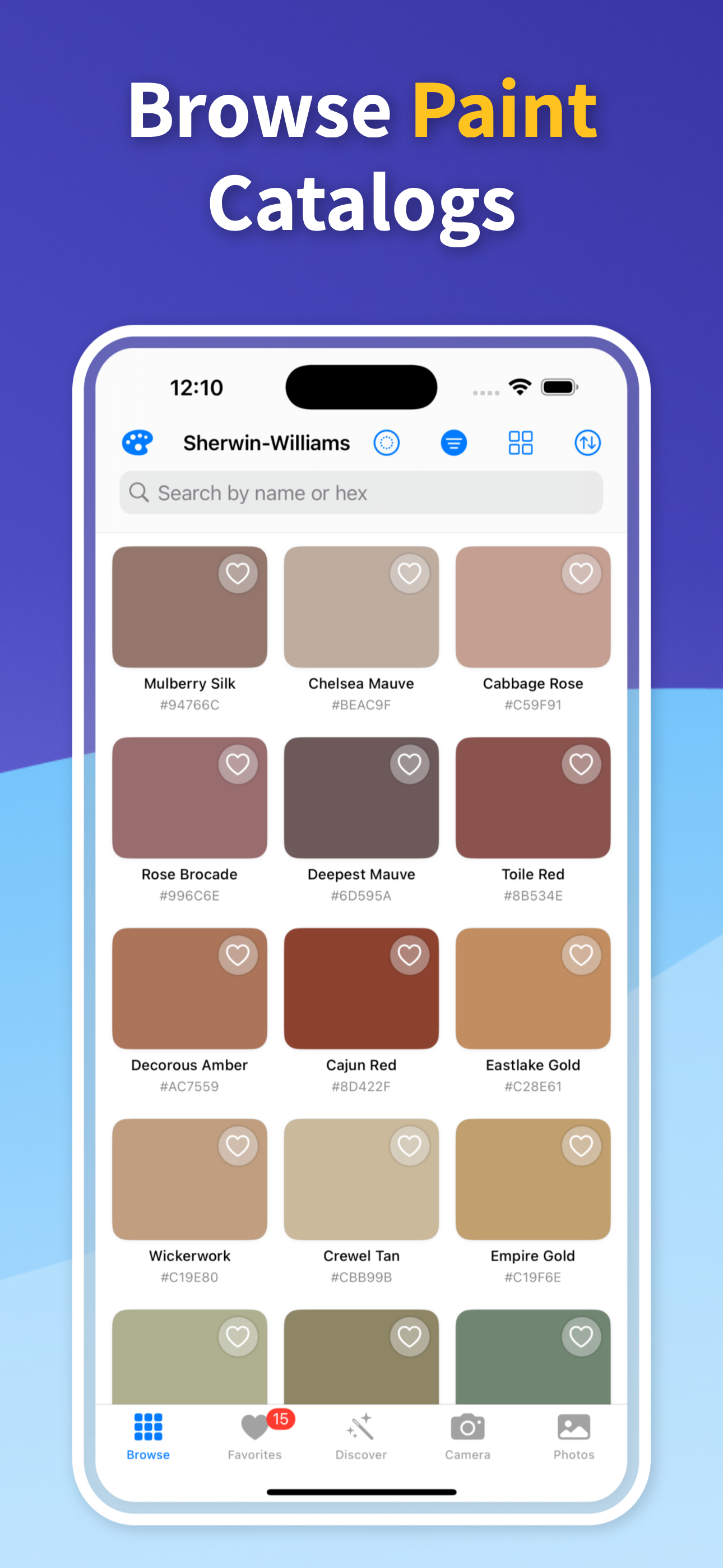
Without a physical chip, the goal is to find the closest available paint options, not to recover an unknown historical formula perfectly. The app ranks nearby paint matches so you have specific names and codes to investigate.

That is more useful than walking into a store with only a memory or a generic color family.

03

Confirm before a visible touch-up

Touch-ups are unforgiving because new paint sits next to aged paint. Even a close match can show if the finish, sheen, or room light differs.

Use the app result to choose a sample, paint a small test area, let it dry, and judge it in the same room light before committing.

Quick answers

Can I match paint without removing a piece of wall?

Yes. You can scan the wall or use a clear photo to find nearby paint matches without cutting out a paint chip.

Is a photo enough to match wall paint?

A photo can be enough to create a shortlist, especially if it is sharp and evenly lit. For exact touch-ups, test a physical paint sample before painting a visible area.

Should I scan one spot or several?

Scan several clean spots on the same wall. Save the results and look for consistent matches before deciding which paint candidate to test.

Match Paint Without Damaging the Wall

Download Color Identifier & Paint Match free on iPhone and scan an existing surface before you buy touch-up paint.

Download on the App Store
Color Identifier & Paint Match QR

Scan to download