
Languages English Čeština Dansk Deutsch Español Suomi Français Hrvatski Magyar Italiano 日本語 한국어 Norsk Nederlands Polski Português (BR) Română Русский Slovenčina Svenska ไทย Türkçe Українська 简体中文 繁體中文
Color Guides Free on iOS

Paint Color Name Finder

You know the color you love — you just do not know what it is called. Color Identifier & Paint Match scans any painted surface and returns the official color name and brand match, so you can walk into a paint store and ask for exactly what you want.

Get Free App
Color Identifier & Paint Match QR

Scan to download

Turn a painted surface into an official color name or a store-ready paint result.
Paint Color Name Finder Paint Color Name Finder

Color Guides

Pick the guide that matches your next color decision

Start with the real job in front of you: identify a color from a photo, pull exact codes, or match an existing wall paint before you buy.

01

How the color name finder works

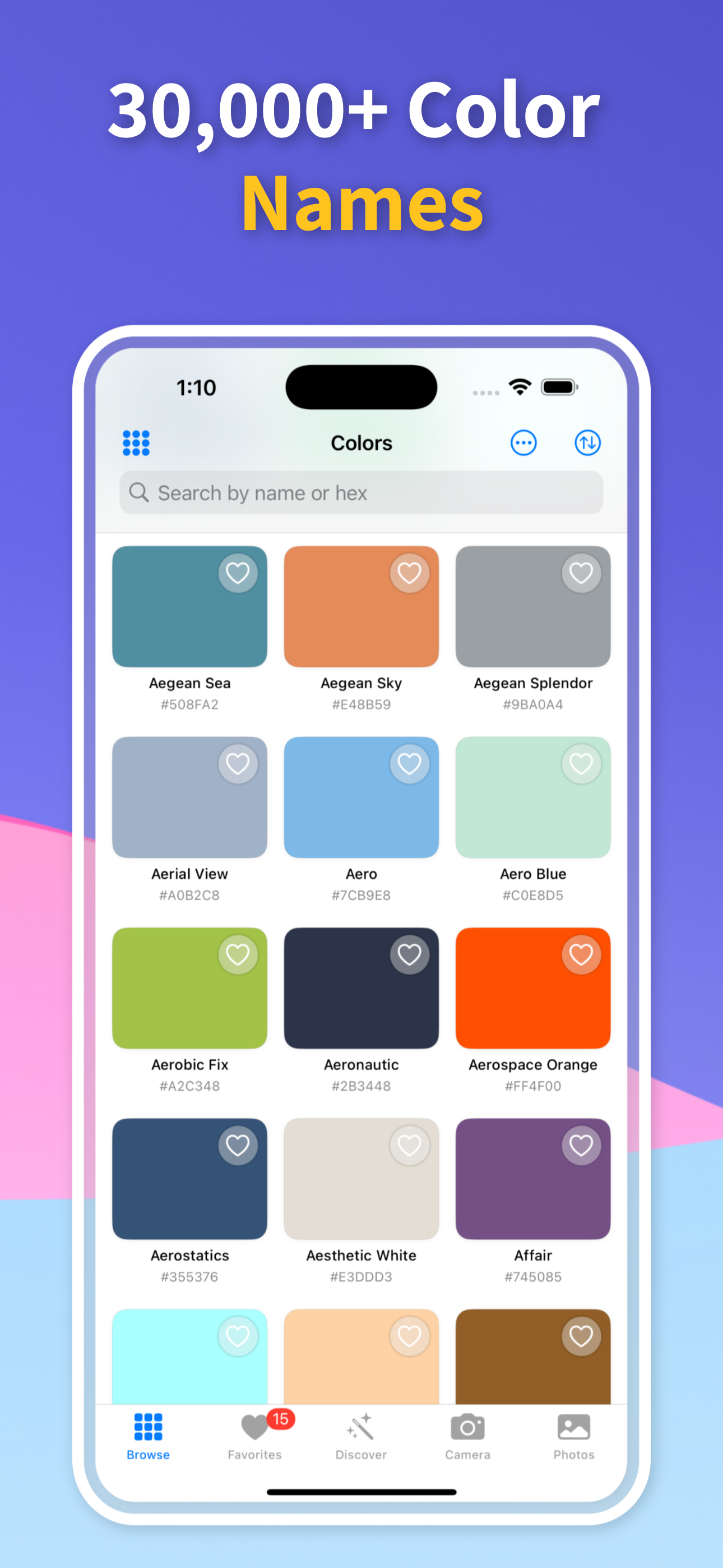
Point the camera at the painted surface — a wall, door, furniture, or any painted object — and the app analyzes the color in real time. It searches its database of named paint colors from every major brand and returns the closest match with its official product name and color code.

You can use the live viewfinder for instant results or import a photo if you're not standing in front of the surface. Either way, you get the official color name in under two seconds.

02

Official names from every major brand

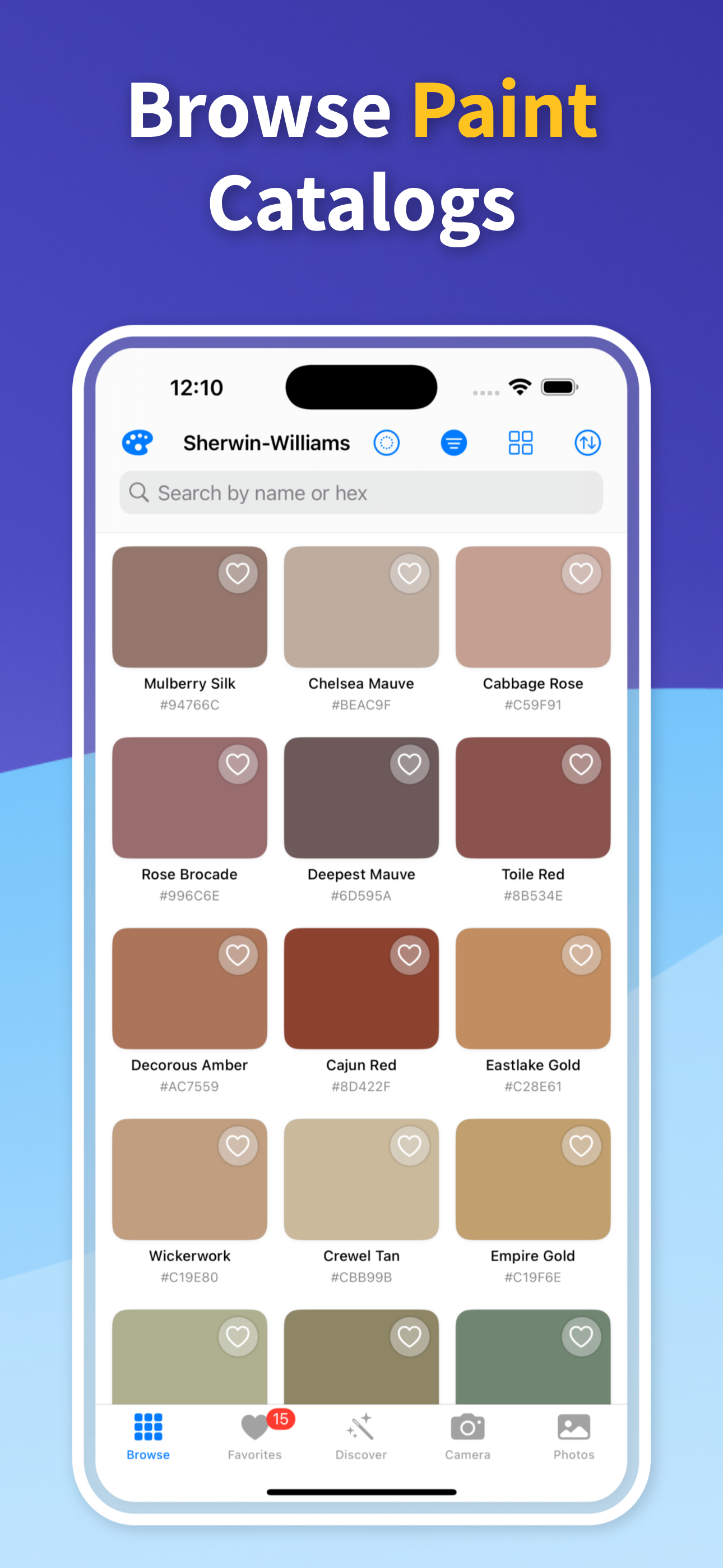
The app searches across Sherwin-Williams, Benjamin Moore, Behr, Valspar, Farrow & Ball, and dozens of other brands simultaneously. So instead of just the Sherwin-Williams name for a color, you get the name it goes by in every brand.

Brand-specific names for similar colors are often very different. The same greige tone might be “Agreeable Gray” at Sherwin-Williams and “Pale Oak” at Benjamin Moore. The app shows you both so you have options.

03

Save and share color names

Tap any result to save the color to your history with its full name, brand, and code. Share a color name directly via Messages or email by tapping the share button — useful when sending paint specifications to a contractor or confirming a color choice with a designer.

Your saved colors build a searchable personal palette over time, so you can easily reference colors you've identified in the past without re-photographing.

04

Find the name of a color you mixed years ago

If you had a custom color mixed at a paint store years ago and never wrote down the formula, photograph the wall and let the app find the nearest named color match. It will not recover the exact custom formula, but it gives you a practical starting point for a rematch.

For interior designers maintaining a client’s color specifications, photographing the existing walls and logging the nearest named color match is a fast way to document what is currently installed.

Quick answers

Can I use Paint Color Name Finder on iPhone?

Yes. Color Identifier & Paint Match is built for iPhone and lets you scan live colors, import photos, save results, and compare practical color details in one workflow.

How accurate is this result?

Camera-based color results are strongest when the source is evenly lit, in focus, and free from glare or deep shadow. Treat the output as a strong shortlist, then test physical paint samples when an exact wall match matters.

What should I do after I identify the color?

Save the color, compare nearby matches, and share the result before buying paint, building a palette, documenting a spec, or handing the shade to another person.

Name Any Paint Color in Seconds

Download Color Identifier & Paint Match free on iPhone and find the official paint name for any color you see.

Download on the App Store
Color Identifier & Paint Match QR

Scan to download