
Languages English Čeština Dansk Deutsch Español Français Hrvatski Italiano 日本語 Norsk Nederlands Português (BR) Română Русский Slovenčina Svenska ไทย Türkçe Українська 简体中文 繁體中文
Color Guides Free on iOS

What Color Is This?

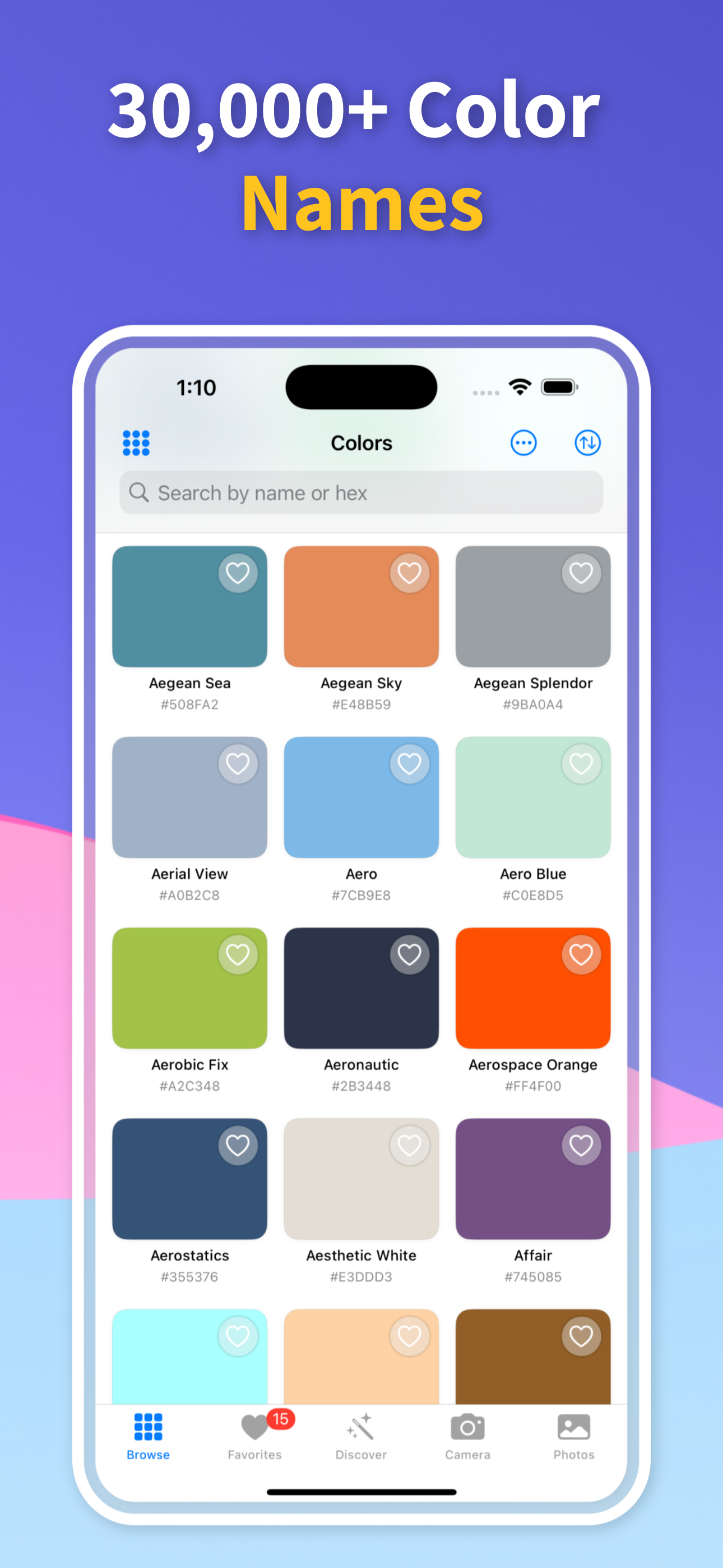
If you are asking “what color is this?”, the fastest useful answer is a color name plus the exact codes behind it. Color Identifier & Paint Match lets you scan the color with your iPhone camera or import a photo, then returns the name, HEX, RGB, HSL, CMYK, and closest paint-ready matches.

Get Free App
Color Identifier & Paint Match QR

Scan to download

Identify a shade from a live camera or photo and keep the full color profile.
What Color Is This? What Color Is This?

Color Guides

Pick the guide that matches your next color decision

Start with the real job in front of you: identify a color from a photo, pull exact codes, or match an existing wall paint before you buy.

01

Start with the color in front of you

Point the camera at a wall, fabric, product, flower, tile, logo, or any other color source. The app samples the color and gives you a result you can save instead of relying on memory.

For the cleanest answer, use even light, avoid glare, and sample the part of the object that best represents the color you actually want to document.

02

Get a name and usable color codes

A vague label is not enough when you need to use the color later. The app gives you a readable color name together with HEX, RGB, HSL, and CMYK values.

That makes the answer useful for design files, print planning, palette building, paint conversations, and sharing a color with someone who cannot see the original object.

03

Move from curiosity to a decision

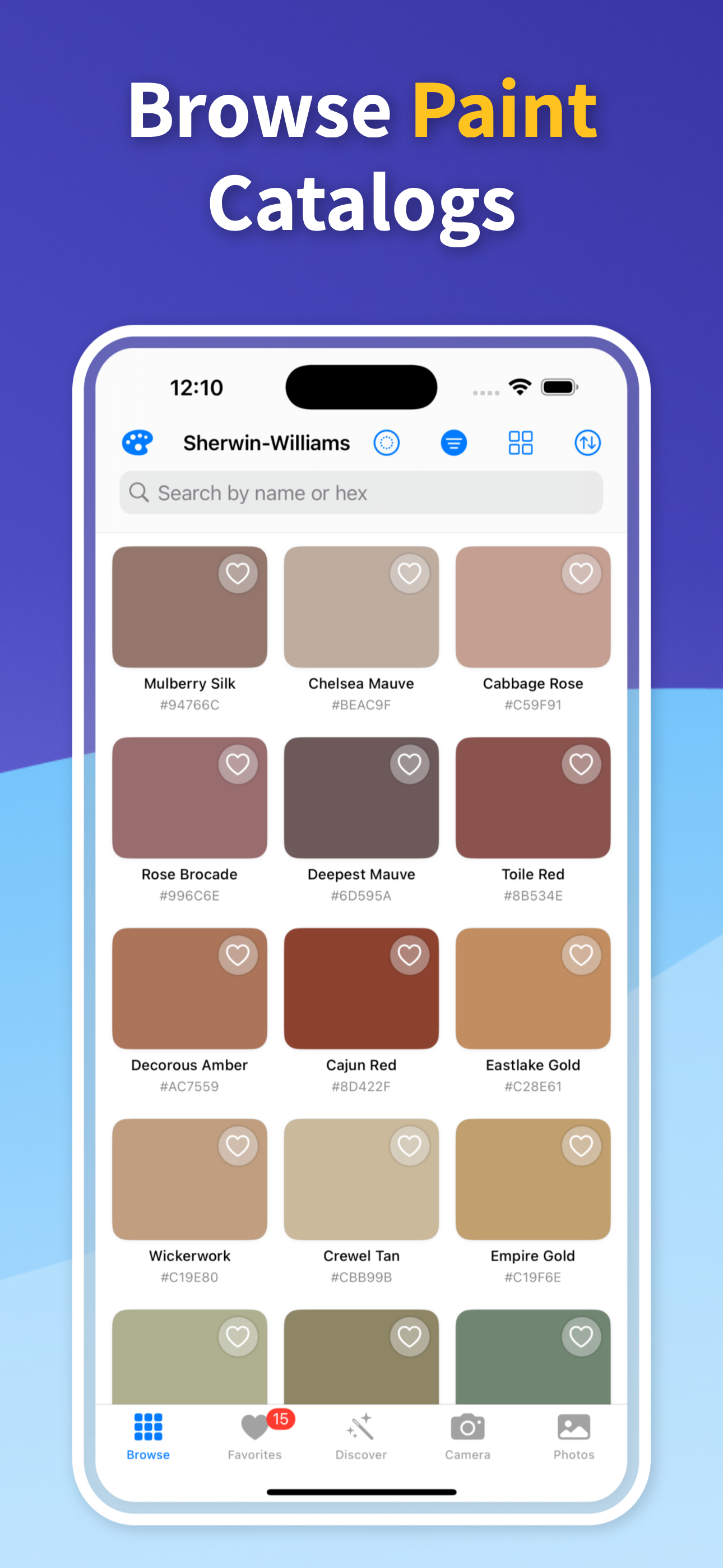
Once the color is identified, save it, compare nearby alternatives, and keep it in your history. If the color needs to become real paint, use the nearest paint-brand matches as a practical next step.

This is the difference between knowing roughly what a color looks like and having a repeatable reference you can use again.

Quick answers

Can my iPhone tell me what color something is?

Yes. With Color Identifier & Paint Match, your iPhone can scan a live color or sample a photo and return the color name, HEX, RGB, HSL, CMYK, and nearby paint matches.

Does the app work from photos?

Yes. You can import a photo and tap the color you want to identify, which is useful when the color source is not in front of you.

Why might the answer change under different lighting?

Lighting, camera exposure, surface texture, and glare can shift the sampled color. Scan in even light and compare a few nearby points when accuracy matters.

Answer “What Color Is This?” in Seconds

Download Color Identifier & Paint Match free on iPhone and turn any color into a name, code, saved reference, and paint-ready match.

Download on the App Store
Color Identifier & Paint Match QR

Scan to download